
~ our app ~
Handshake Matchmaking
Schedule your meetings weeks before the event.
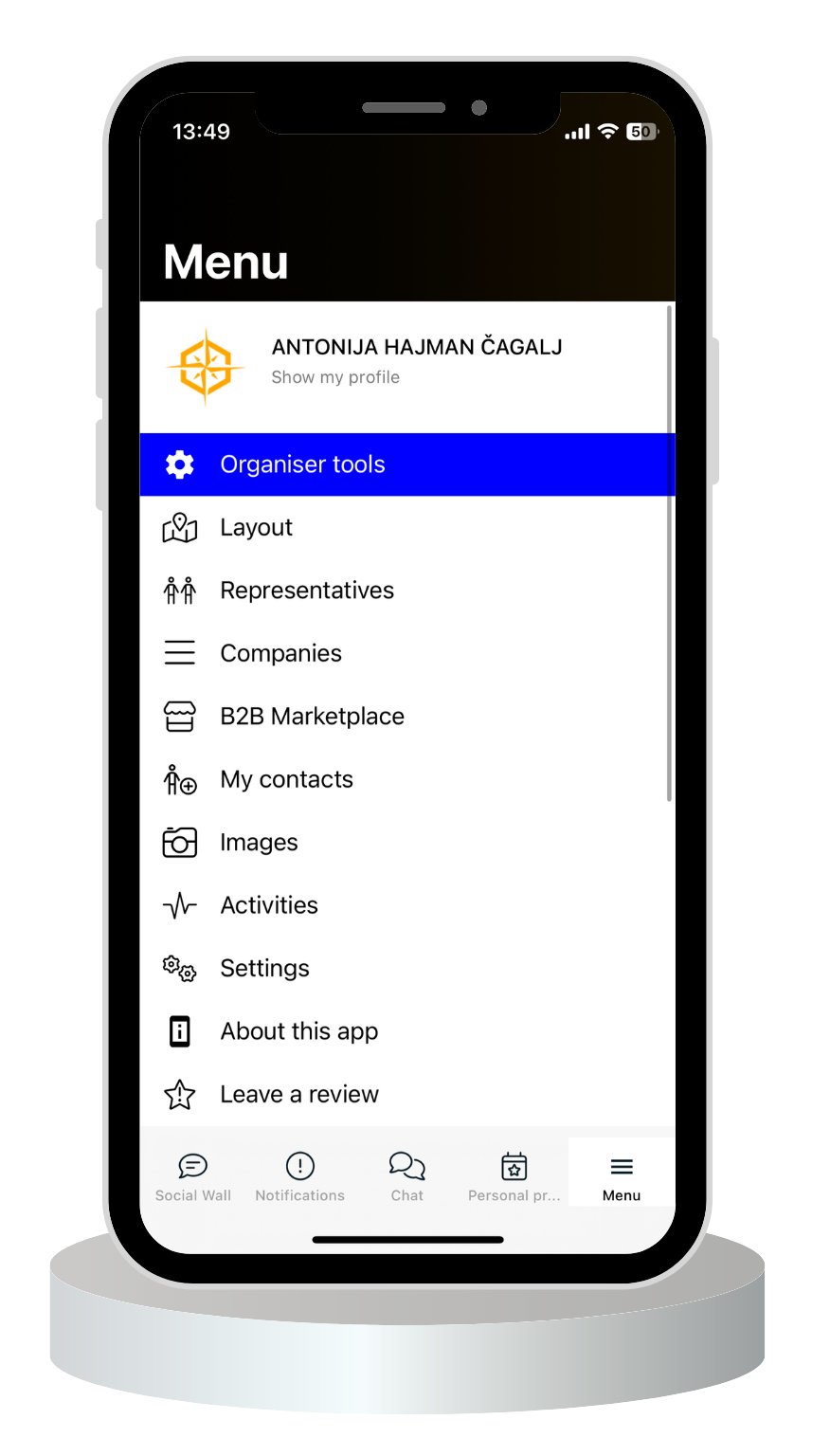
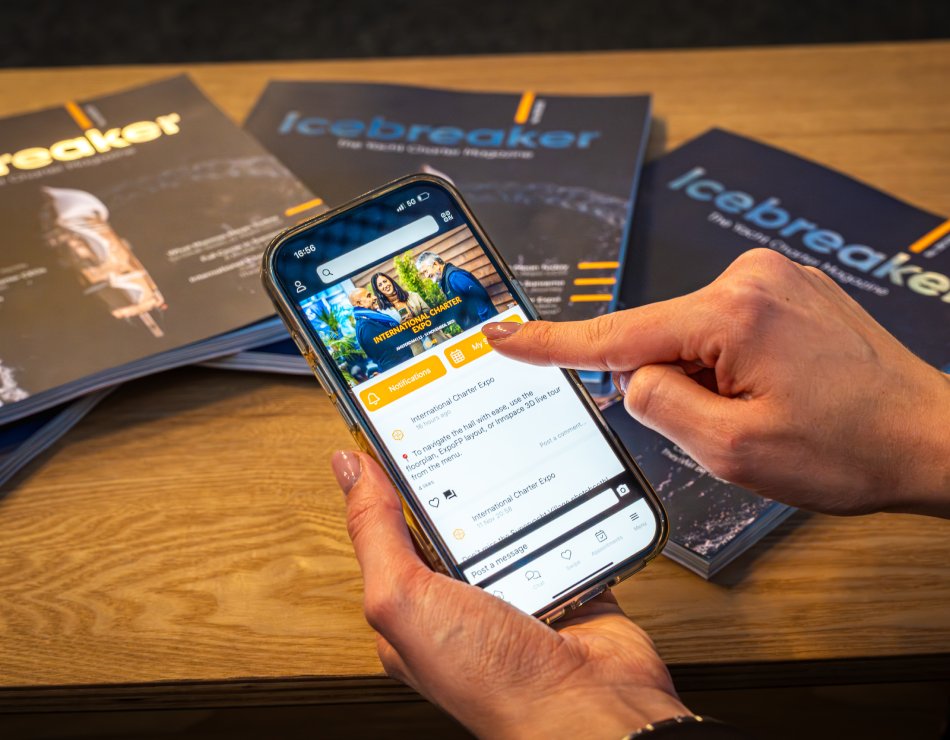
Handshake is ICE’s official matchmaking app
Browse 600+ attending companies, send meeting requests, and arrive at ICE’26 with a full calendar.
~ why handshake ~
problem

Solution

Result

01_Create your profile
- add your company info, photo, and what you’re looking for
02_Browse attendees
03_Send meeting requests
04_Build your schedule
- confirm times and locations for each meeting
05_Arrive prepared
~ how it works ~
Pre-scheduled meetings - request and confirm meetings up to 4 weeks before the event
Key features of Handshake
- LPre-scheduled meetings - request and confirm meetings up to 4 weeks before the event
- LBrowse by category - filter companies by type (charter companies, charter brokers, suppliers…)
- LPersonal schedule - see all your confirmed meetings in one place
- LUp to 17 meetings per day - 30-minute slots throughout the event
~ more info ~
Tips for success
Start early
begin sending meeting requests 4 weeks before ICE
Complete your profile
companies with photos and descriptions get more meeting requests
Be selective
quality over quantity, focus on meetings that matter
Leave buffer time
don’t schedule back-to-back meetings without breaks
Follow up
use in-app chat to confirm details before the event
~ FAQ ~
FAQ about Handshake App
01_What are the features of the Handshake Matchmaking app?
Handshake Matchmaking app is custom-made for ICE. We have developed an easy-to-use solution that makes your life easier based on all the input we received from previous ICE participants. You will be able to:
- Filter companies by sector (charter managers, charter brokers and agencies, central agencies, suppliers, etc.)
- Filter companies features (such as cabin charters, crewed charters, fleet size, category of business, base locations, etc.)
- Use AI matchmaking based on keywords and interests
- Swipe to match with business partners based on shared interests
- Chat with representatives in real time
- Use the social wall to explain what you are searching for and what you are offering
- Use a visual schedule to make planning easier
and a lot more…
02_When can I start sending meeting requests?
Handshake 3.0 will be available for all ICE registered companies starting in October. You will receive your login details, as well as instructions on how to access the app. Since Handshake 3.0 is an upgrade from the previous Handshake apps used at ICE, we will also send you tips and tricks on how to best maximize your time on it.
03_How many meetings can I schedule?
Each person can schedule 17 meetings per day, which means a total of 51 meetings per person over 3 days. Every meeting is 30 minutes long. Meetings start at 9:00 AM and end at 6:00 PM. However, we highly recommend that you don’t block all time slots and keep a few open for a lunch break or to give yourself time to explore other booths and visitors at ICE. Walking around the venue can also be very useful for meeting people in person.
04_Can I use Handshake without registering for ICE?
Unfortunately, it is not possible to use the Handshake app without registering for ICE. Handshake 3.0 is the official matchmaking app for ICE, and all meetings are arranged through the app. This way you can avoid sending emails or WhatsApp messages to organize your schedule. Handshake 3.0 is designed to make your life easier and your time at ICE more efficient. If you would like to use Handshake 3.0 and get access to all 600+ companies, please register for ICE’26 here. Please note that all meetings are held in person in Amsterdam. We do not offer a platform for online meetings.
05_What happens if someone declines my meeting request?
It is completely normal if someone declines a meeting. We encourage everyone not to accept meetings if they think they will not be useful (while, of course, sending a chat message explaining why the meeting is declined), so that no time is wasted. Since more than 600 companies come to ICE to network over the course of 3 days, it is very important to filter the companies and people you think are useful for you and your business. Don’t take it personally.
06_How can I change or cancel a scheduled meeting?
You will be able to cancel or reschedule your meeting directly through the app. It is very easy. There will be a button offering both options for each meeting request you have, or have already confirmed.